



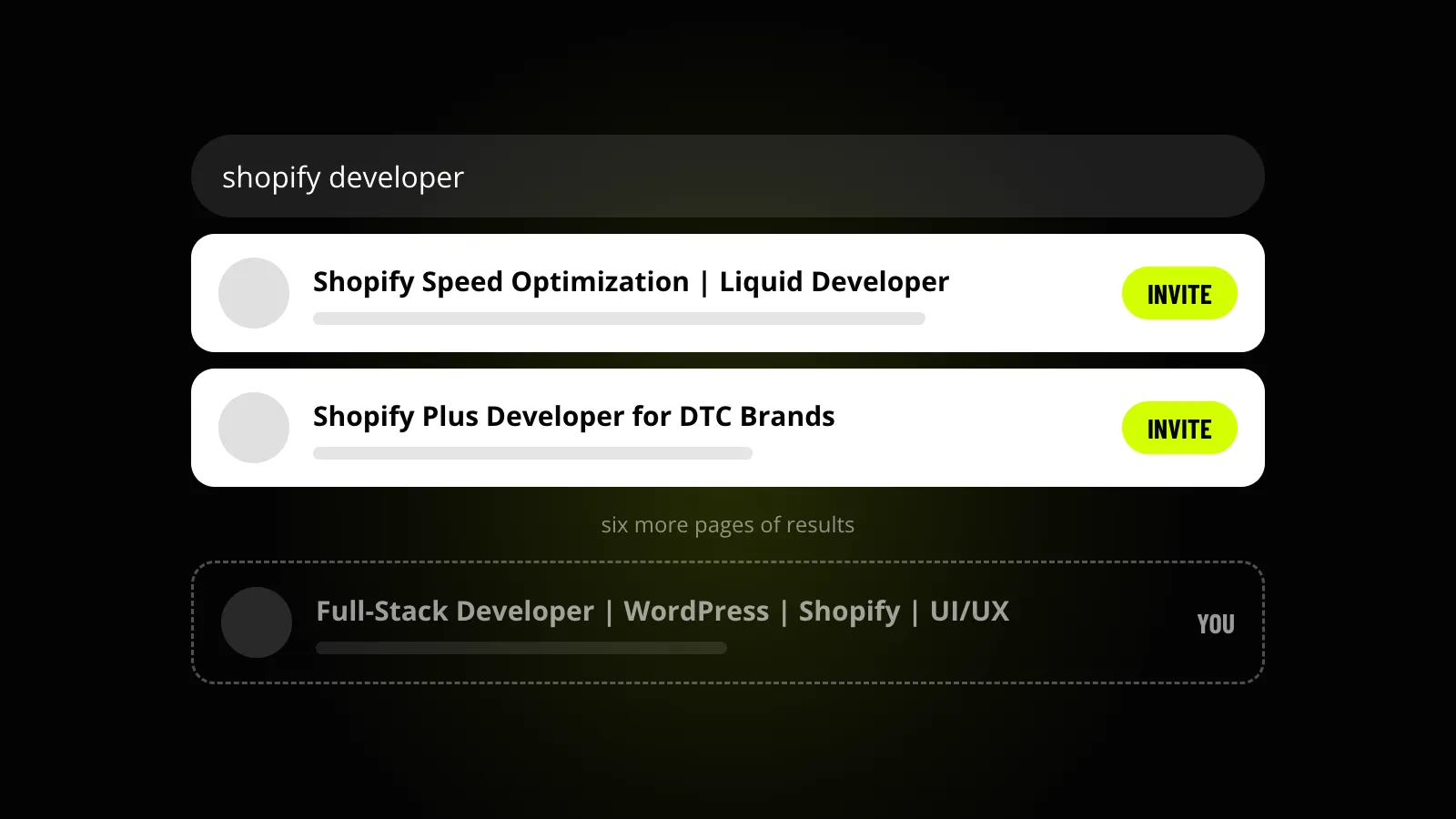
That is a different problem from weak proposals, and most freelancers work on the wrong one. They rewrite proposals for months while the thing that decides invites sits untouched on their profile.
Where Upwork invites come from
A client can invite you in three ways:
- Talent search. They type what they need and invite from the results.
- The suggested list. Right after posting a job, Upwork shows them freelancers who match it.
- Coming back. A past client invites you to a new job.
The first two are matching. Upwork compares your title and skill tags with what the client typed or posted. Your proposals play no part, which is why people who write great proposals can still get no invites.
Clients aren’t turning your profile down. They never get to it.
Earnings, Job Success Score and how crowded your category is all affect where you land. You can’t change those this week. You can change how well your profile matches.
The 8 fixes, in order
Search for yourself
Create a client account (it’s free and takes two minutes) and type what your ideal client would type. Look for yourself in the first two or three pages.
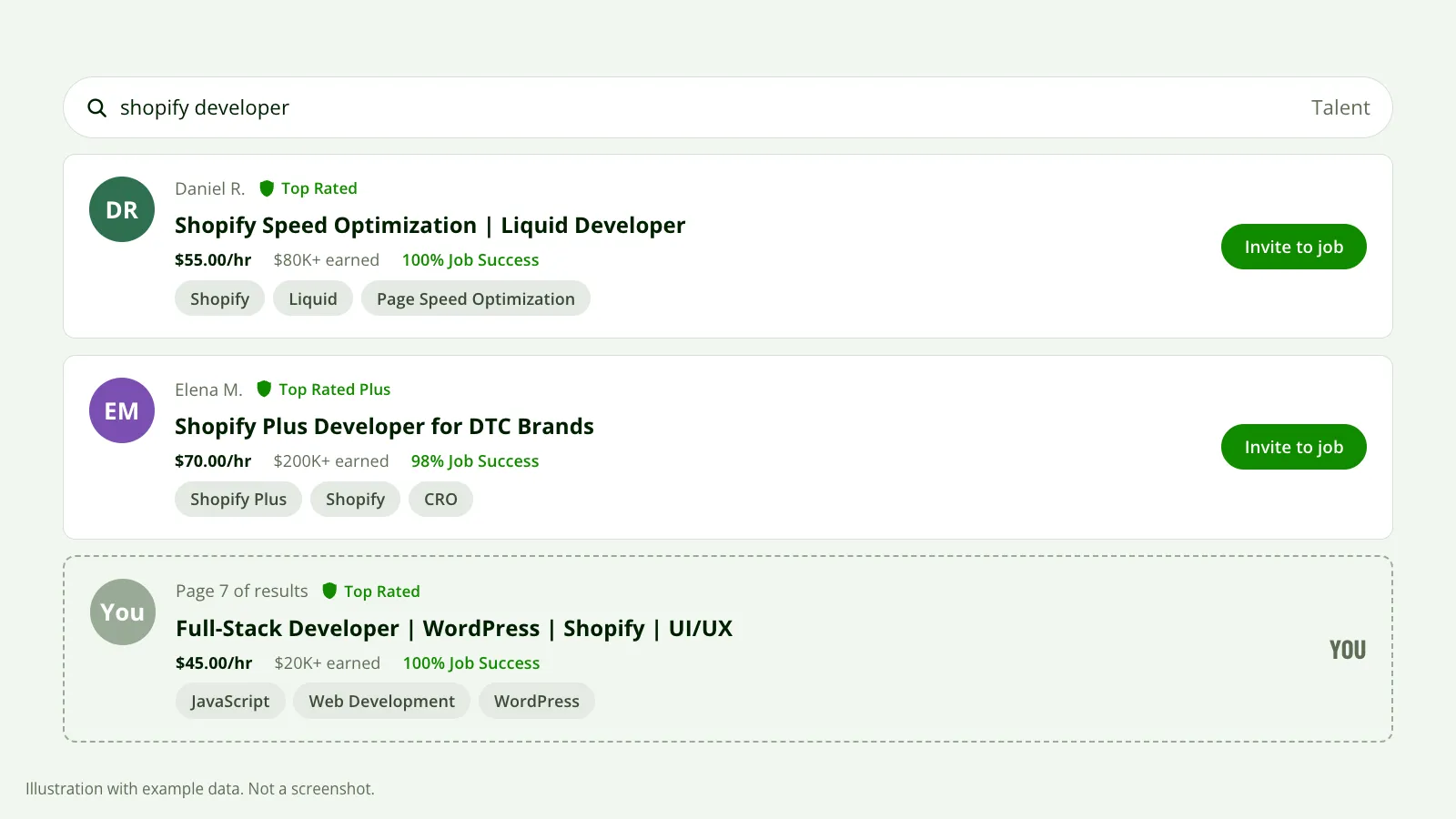 What a client sees when they search. They invite from the first results, and a loosely matching profile sits pages below. Illustration with example data, not a screenshot.
If you aren’t there, you have your answer. The next four fixes are how you get there.
Narrow your title
Use one service, in the client’s words, not yours.
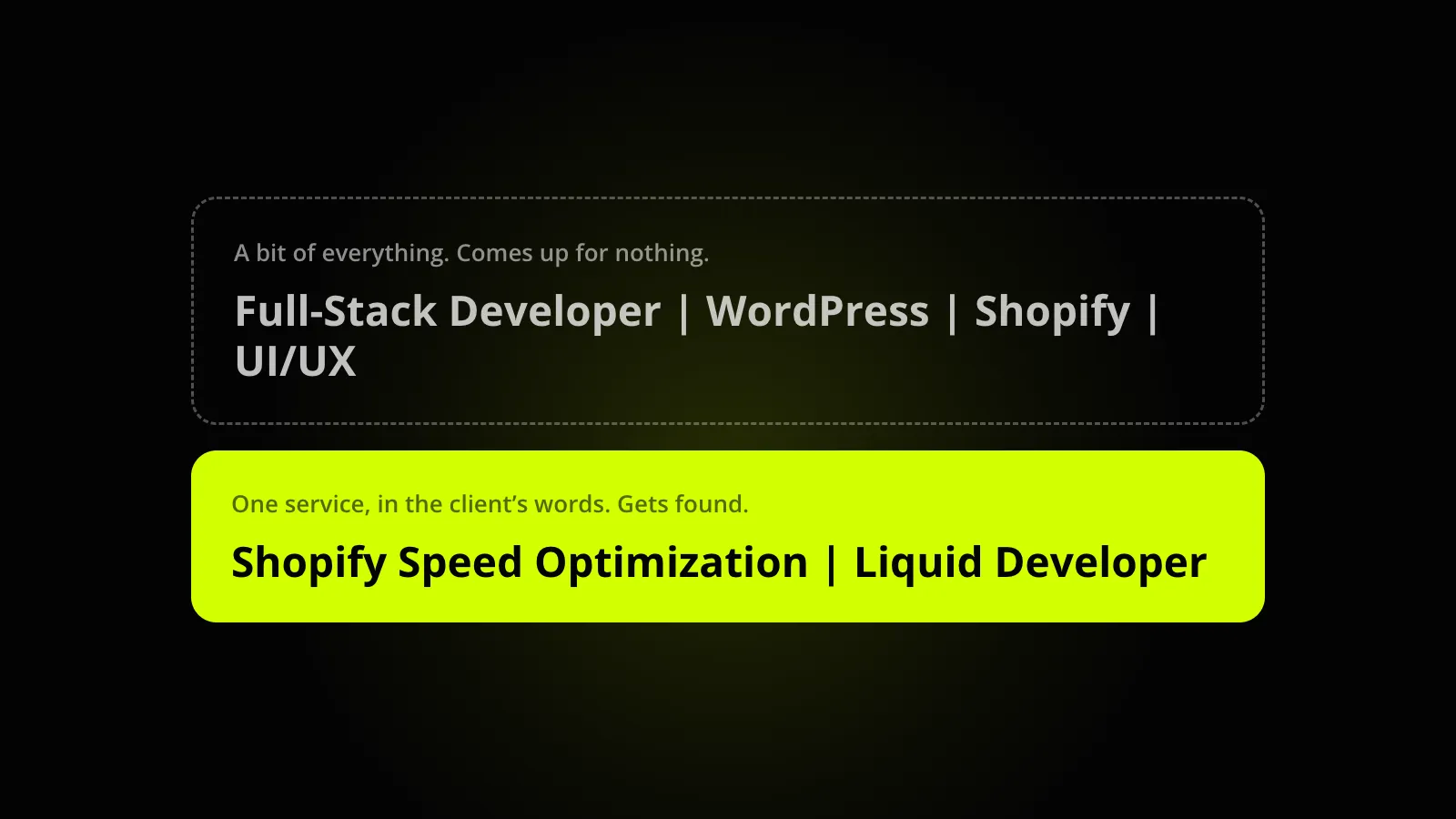 The same freelancer, two titles. Only one of them is the best match for a search.
- “Shopify Speed Optimization | Liquid Developer” gets found.
- “Full-Stack Developer | WordPress | Shopify | UI/UX” is a bit of everything and comes up for nothing.
Narrowing feels like turning work away. In practice the narrow profile is the one that gets invited, because it is the best match for at least one search.
Rewrite the first two lines of your overview
Those two lines are all a client sees on your card in search results. If they read “I am a dedicated professional with 7+ years of experience”, the client has learned nothing and keeps scrolling.
Open with the result you get and who you get it for.
Copy your skill tags from real jobs
Open 10 job posts you would actually want and write down the skills tagged on them. Those are your tags.
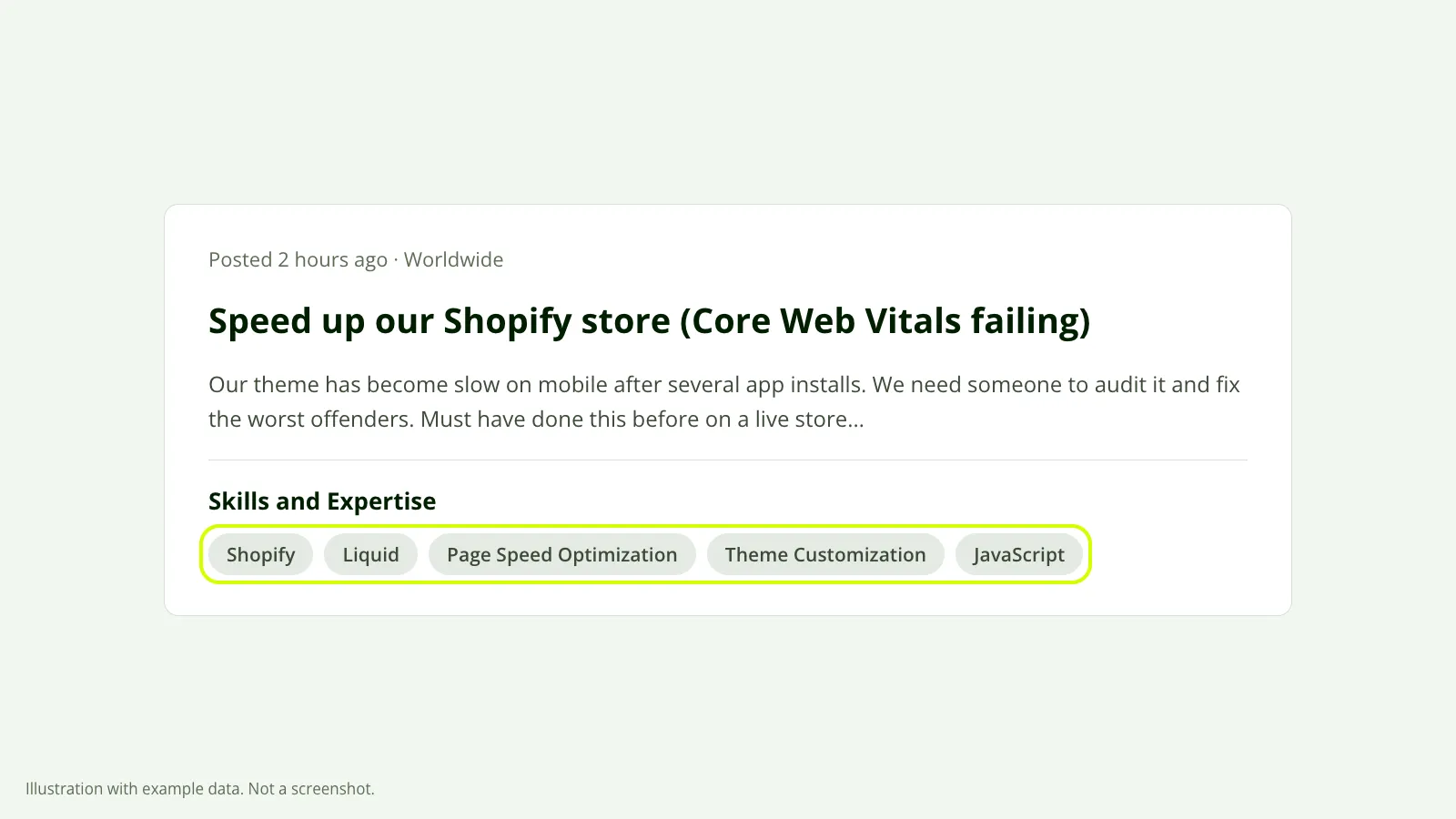 The skills a client tagged on their job post. These are the tags to copy. Illustration with example data, not a screenshot.
Most freelancers pick tags that describe themselves. Clients search with different ones.
Pick one service to lead with
Upwork removed specialized profiles in May 2026, so one profile now has to do the whole job. If you do two or three different things, choose the one you want invites for and build the title and the first lines around it.
Keep the other services in your skills, portfolio and work history. A profile that leads with everything loses to one that leads with a single thing every time someone searches.
Check your rate against your niche
Clients filter by hourly rate. If you sit far above or far below what your niche charges, you drop out of their filter, or you look out of place next to your work history.
Read profile views and invites together
Your Upwork stats tell you which problem you have:
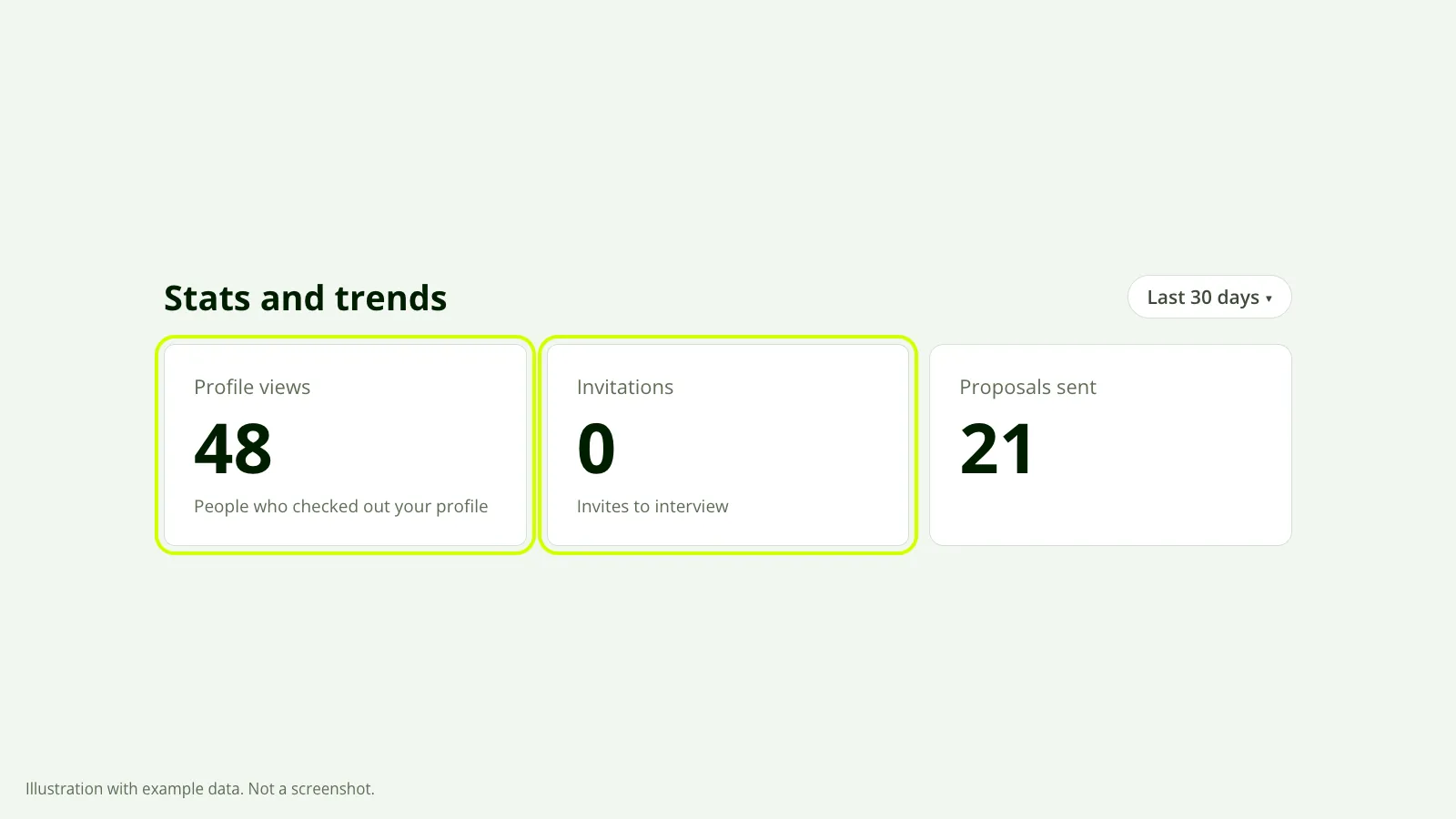 Views with no invitations: clients find the profile, look, and leave. Illustration with example data, not a screenshot.
| What you see | What it means | Where to look |
|---|---|---|
| No profile views | Nobody is finding you | Fixes 2 to 5 |
| Views but no invites | Clients find you, look, and leave | Rate, first two lines, portfolio |
Answer every invite quickly
Reply to the good ones and decline the rest with a reason. Don’t leave invites sitting.
What this won’t do
None of this replaces earnings and a good Job Success Score. Those carry a lot of weight and only time builds them.
It also isn’t instant. Give each change about 30 days, change one thing at a time, and compare your stats before and after. Change five things at once and you’ll never know which one worked.
See your own numbers
The checks above take an afternoon by hand. Our free report runs them on your real profile: your score, how you compare with your niche, and what’s costing you invites, in order.
You connect through Upwork’s official connection. It’s read-only, so we can’t change a word on your profile, and the report is in your inbox in about 10 minutes.
