



Your skills section looks like the least important part of your profile. It’s a row of grey tags under the overview you spent a weekend on. In our experience it does more for invites than the overview does, because it is one of the two things Upwork compares with what a client asked for.
How many skills you can add
Open your profile, scroll to Skills and click the edit icon. The limit is shown there, and that is the only number worth trusting.
We’re not printing a figure here on purpose. Guides disagree with each other, some were written years ago, and when we checked Upwork’s own pages they didn’t all give the same number either. Your editor shows what applies to your account today.
The count matters less than people think. A short list of the right tags gets found more than a full list of loose ones.
What skill tags do
Clients choose skills when they post a job, and they can filter talent search by skill. Upwork’s help page says your skills help match you with the right jobs and help clients find you in search. Your tags are being compared with theirs.
That’s the whole reason to care. Invites come from talent search and from the suggested list a client sees after posting, and both are matching. If you get few invites and good reviews, the match is usually where the problem is.
How much weight the skills carry is not documented. One company that tracks search results says skills only decide whether you appear at all, and the title decides how high. Others say skills push you up the list. Upwork hasn’t said which, and we won’t pretend to know. In our experience both matter for matching, so treat the title and the skills as a pair that has to say the same thing.
Pick the skills on the job posts you want, not the skills that describe you.
Find the tags clients use
This takes about twenty minutes and a notes file. Do it before you touch your profile.
Open ten job posts you’d want
Recent ones, in your niche, at a budget you’d accept. Not jobs you could do. Jobs you’d be glad to get an invite for.
If you can’t find ten, your niche is either very small or you’re describing it differently from the people hiring for it. Both are worth knowing.
Write down the skills on each post
Every job post lists the skills the client chose. Copy them exactly as written, one line each, all ten posts in the same file.
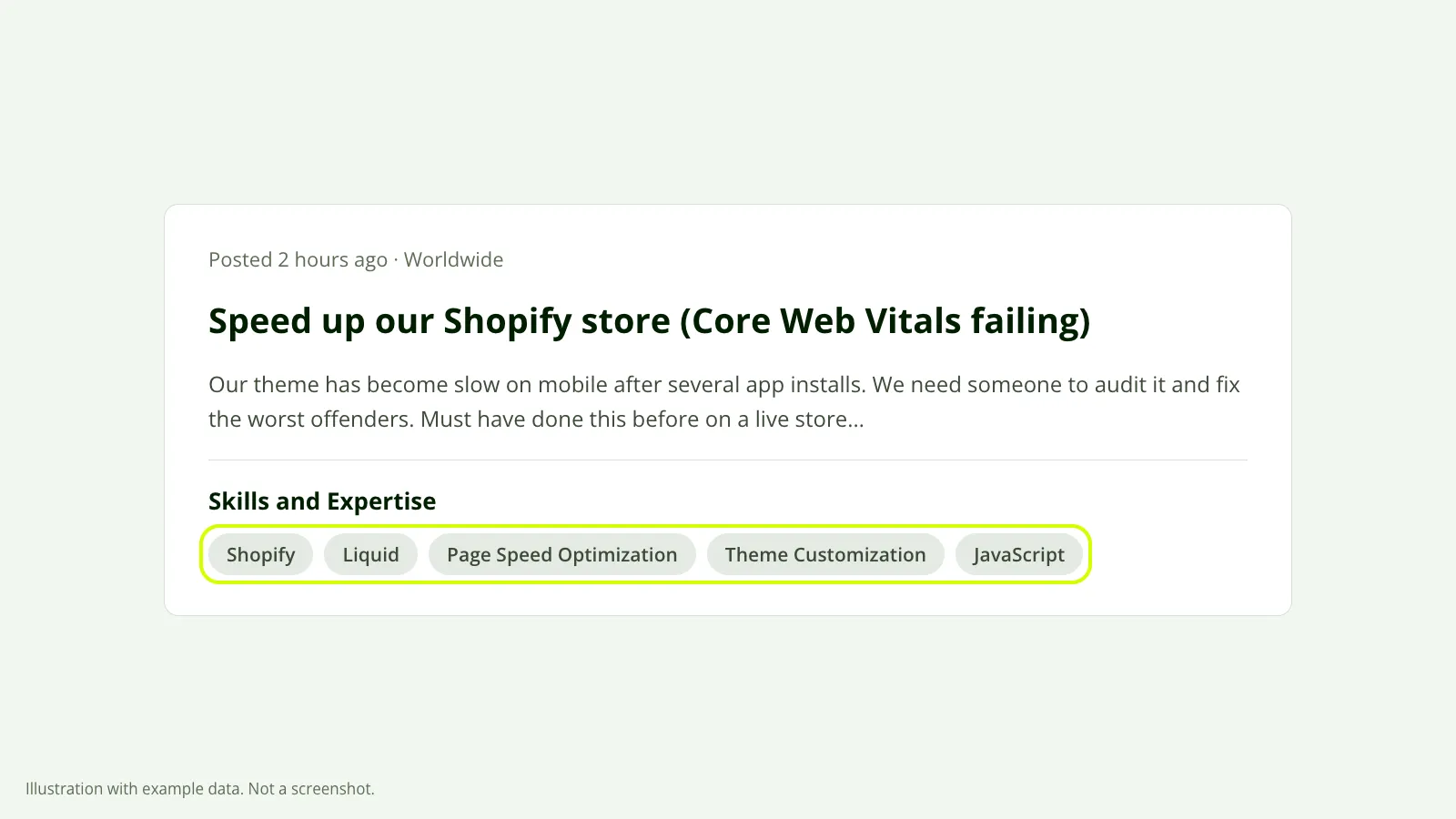 The tags on a job post are the words that client chose. Write them down as they appear. Illustration with example data, not a screenshot.
Exact wording matters. You add skills by typing and choosing from Upwork’s list, and so does the client. “Email Marketing” and “Klaviyo” are two different tags, and a client who picked one hasn’t picked the other.
Count the repeats
Sort the list and count. A handful of tags will show up on six or seven of the ten posts. Then there’s a longer tail that appears once or twice.
The ones at the top are your core. They are what clients in your niche reach for without thinking.
Compare with your own list
Put your current skills next to the counted list. Usually three things show up: tags clients use all the time that you don’t have, tags you have that appeared on none of the ten posts, and tags where you chose a near synonym of the one clients pick.
Add the first group, drop the second, and swap the third for the client’s wording.
What to drop
Cutting is harder than adding, because every tag on your list is something you can really do. That isn’t the test. The test is whether a client hiring for your main service would pick it.
| Tag on your profile | What’s wrong with it | Closer to what clients pick |
|---|---|---|
| Digital Marketing | An umbrella. It fits everyone, so it singles out no one | Klaviyo |
| Web Development | Same problem | Shopify, Liquid |
| A tool you used on one project | You’d rather not get invited for it | Leave the slot empty |
| A skill from your second service | Pulls the profile in two directions | Keep one or two, at the end |
The right-hand column is only an example. Your ten job posts decide what goes there, not us.
The last row needs a note. Upwork removed specialized profiles on May 28, 2026, so one profile now carries everything you offer. If you have a second service, the skills list is where it lives, after the tags for the service in your title. We go through that trade in what to do now that specialized profiles are gone.
You don’t have to fill every slot. An empty slot costs you nothing that we’ve been able to see. A tag that brings the wrong invites costs you time, and declining invites gets old fast.
Which skills go first
You can reorder the tags by moving them in the editor, and the order you save is the order they show on your profile.
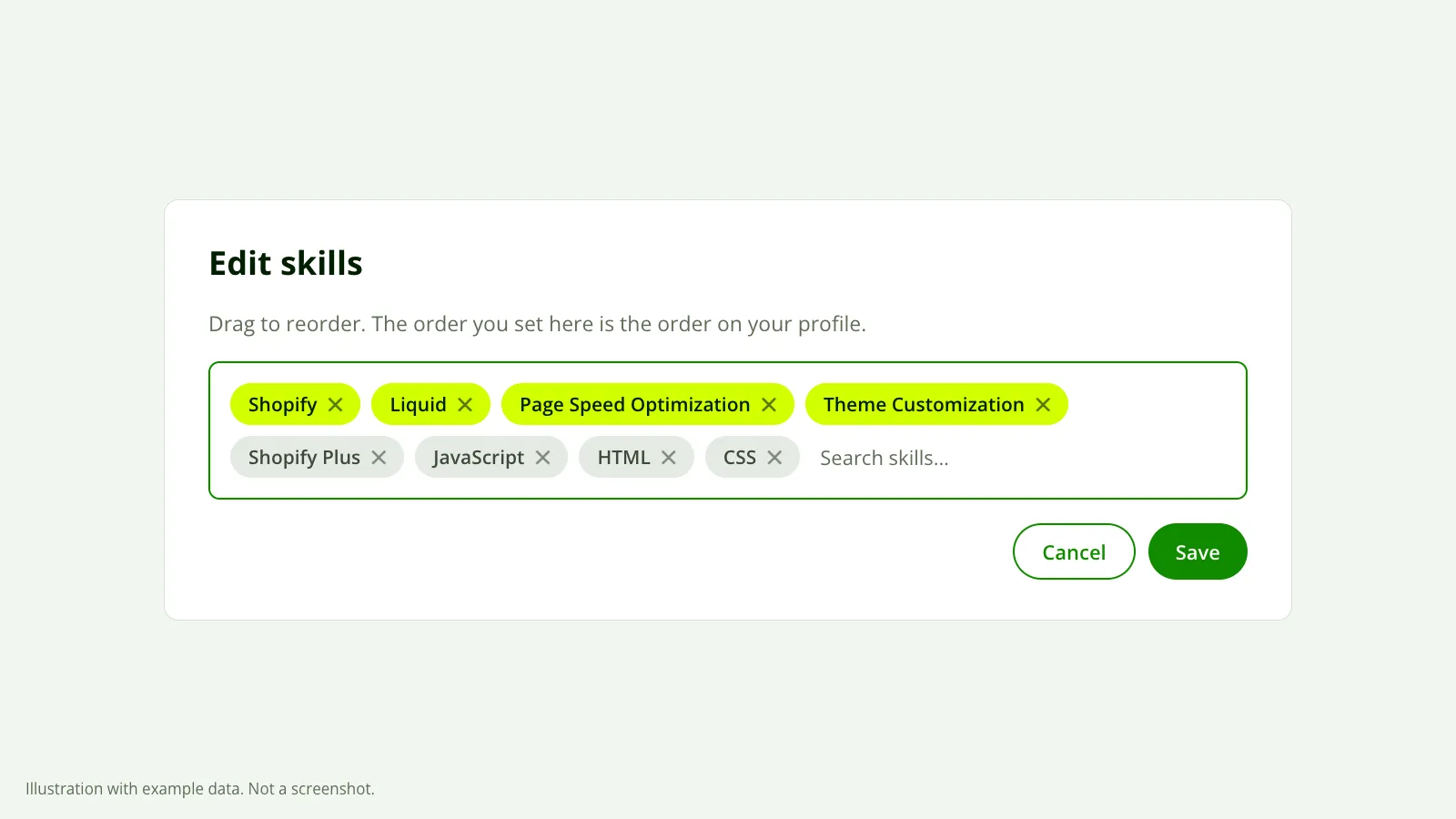 The order you save is the order clients see, so the tags from the jobs you want go first. Illustration with example data, not a screenshot.
Upwork doesn’t say whether order affects where you land in search. What we can say is what a client sees. On the cards we look at in talent search only the first few skills are visible and the rest are cut off. Those first few do the selling.
Put them in this order:
- First: the tags that repeat most across your ten posts and match the words in your title.
- Next: the specific tools and platforms those jobs name.
- Last: anything from a second service, and the tags that appeared only once or twice.
If your title says “Klaviyo Email Marketing for Shopify Stores” and your first three skills are Copywriting, Canva and Social Media Marketing, a client reads two different freelancers on one card.
Soft skill tags are something else
You may also see labels like “Clear communicator” or “Reliable” on your profile. Those aren’t skills you picked. Upwork generates them from the public reviews your clients leave, and you can’t edit or remove them.
They don’t take up your skill slots and there’s nothing to optimize. Do good work, and clients write the reviews that produce them.
What skills can’t fix
Skills get you compared with the right jobs. They don’t move you past someone with ten times your earnings in the same niche. Earnings, Job Success Score and how crowded your category is all still count, and none of them changes in a week.
They also won’t help if clients already find you and leave. If your stats show profile views and no invites, the tags are doing their job and the problem is further down the page. That’s a different fix.
Change the skills, leave everything else alone, and give it about 30 days before you judge it. We can’t promise invites from a tag swap, and anyone who does is guessing.
What the report checks
Our free report looks at your real profile, including how your title and skills line up with your niche, and lists what’s costing you invites in order. You connect through Upwork’s official connection, which is read-only, and the report reaches your inbox in about 10 minutes.
