



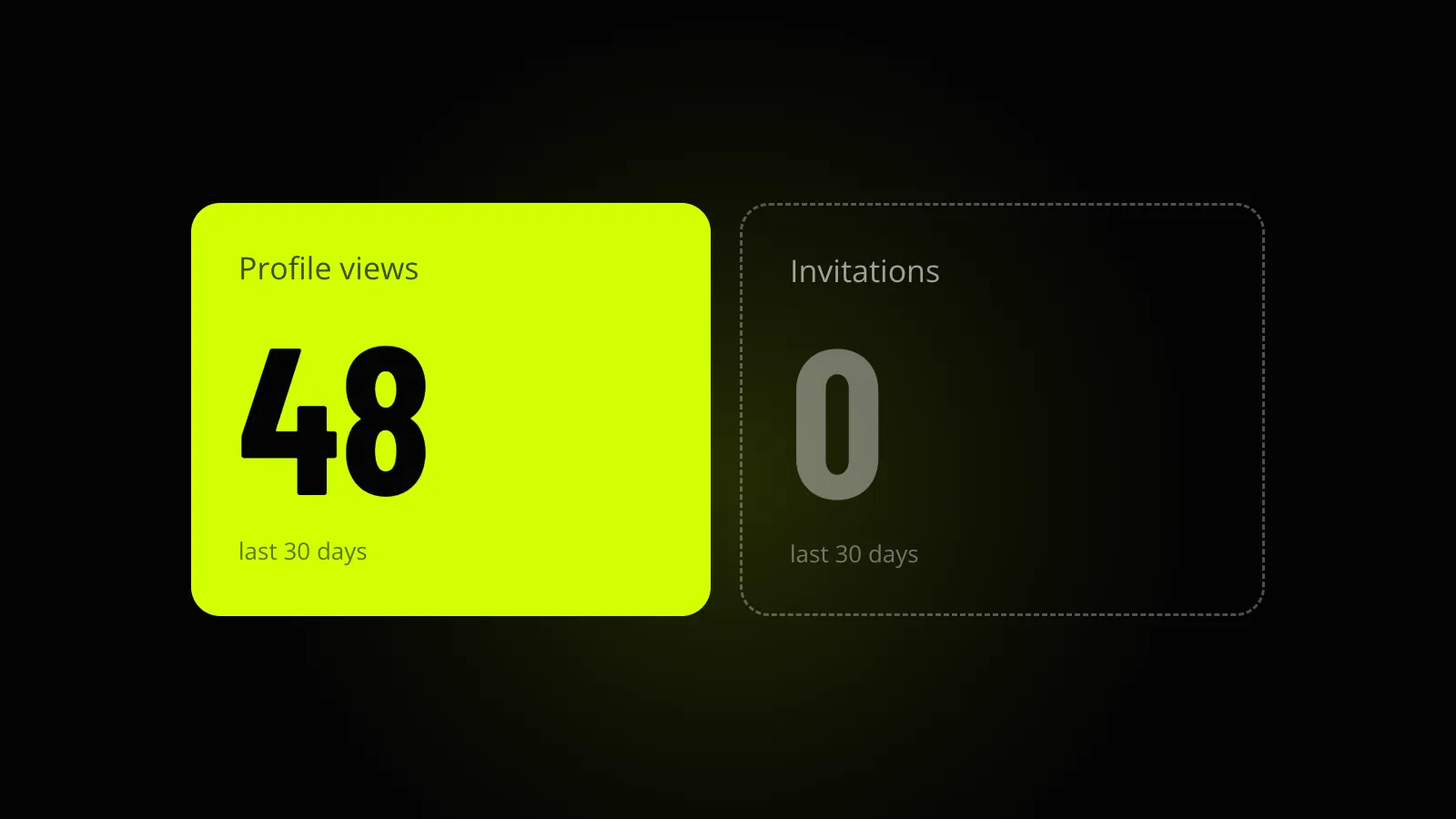
If you have Upwork profile views but no invites, the usual advice doesn’t fit you. Most of it is about getting found, and you’re already being found. Somebody saw your name in a list, read your title and clicked. Then they closed the tab.
So the work isn’t in search. It’s on the page they landed on.
What a profile view counts
Upwork’s help page on stats and trends defines the number in one line: profile views are “how many people checked out your profile”. Invitations are how many invites you received. You’ll find both under your profile picture, in Stats and trends, for a time frame you select.
Impressions and clicks are separate numbers, and they only appear when you boost your profile. If you’ve never boosted, you won’t have them.
Upwork also says stats typically update within 24 hours. A view from this morning may not be there yet, so don’t judge anything by a single day.
That one line is all the help page gives you. It doesn’t say whether a client who opens your profile from a proposal you sent is counted, and you’ll find confident answers both ways on forums. We won’t guess. There’s a way to check it in your own numbers further down.
Views and invites aren’t a funnel
It’s tempting to divide one number by the other and call it a conversion rate. It’s rougher than that.
Not every invite starts with a profile view. A past client can invite you straight to a new job. A client who has just posted a job gets a suggested list and can invite from it.
In our experience, not every view is a client with a job to fill either. Some are other freelancers checking the competition, some are recruiters, and some are clients who are a month away from hiring anyone.
A view means you were found and your title earned the click, so whatever is going wrong is going wrong on the page itself.
What profile views but no invites means
Put the two numbers side by side for the same period. There are four cases.
| What you see | What it usually means | Where to look |
|---|---|---|
| No views, no invites | You aren’t being shown, or your title isn’t earning the click | The search match fixes |
| Views, no invites | Clients arrive, read, and leave | The page itself, covered below |
| Few views, some invites | The match is fine and the volume is low | Nothing is broken. A crowded or quiet category does this |
| Both fell at the same time | Something changed in how you’re shown | What to check when views drop |
One caution about small numbers. Five views in a month with no invite proves nothing. Five people is not a sample. The second row only describes you if the views keep coming, month after month, and the invites don’t.
What the client sees after the click
In our experience there are four reasons a client looks and leaves, and they tend to show up in this order.
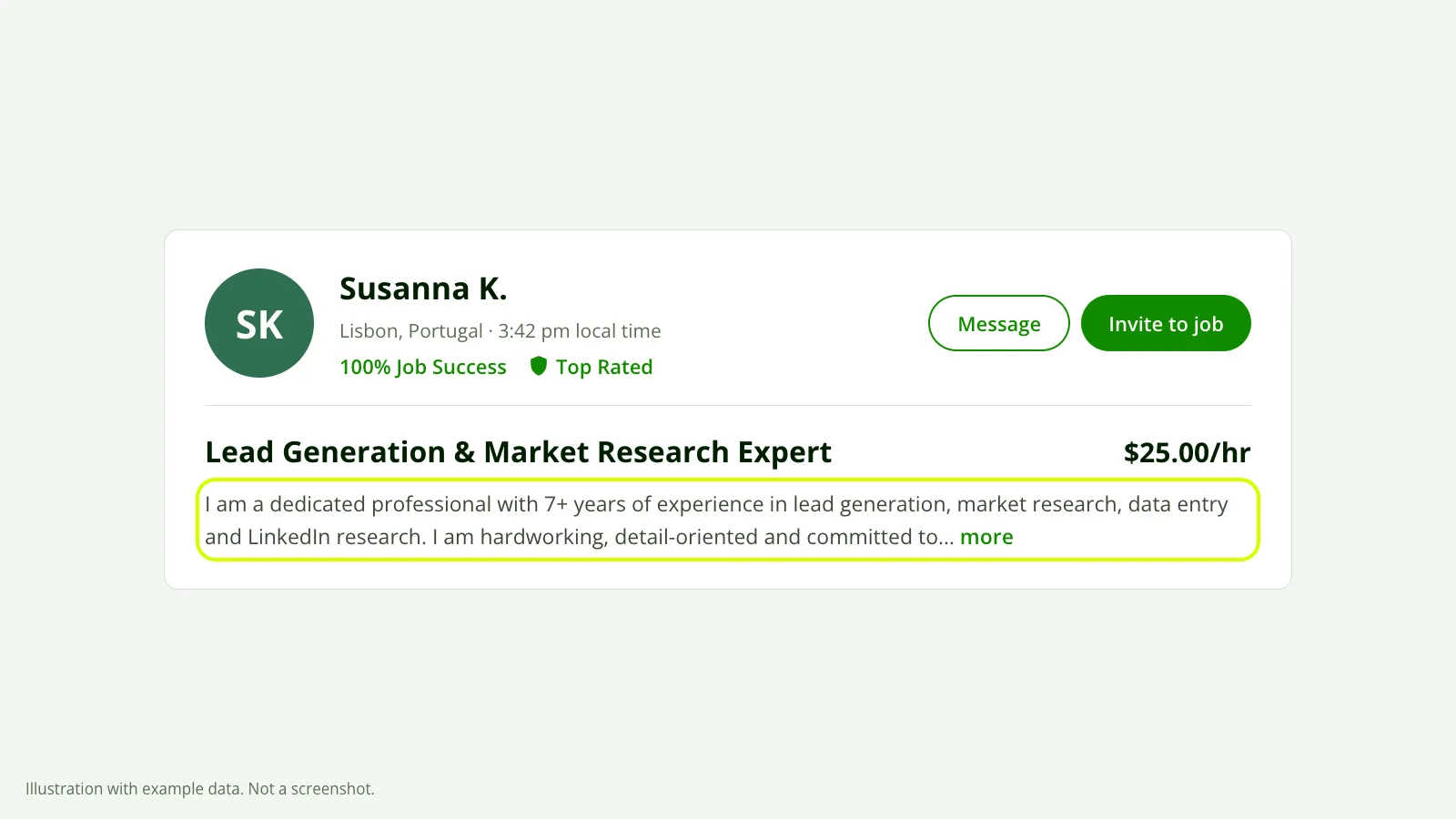 The first screen of a profile. The highlighted lines are where most clients decide. Illustration with example data, not a screenshot.
The title and the page disagree. This is the common one. Your title says “Shopify Speed Optimization” and earned the click. Then the overview opens with web design, branding and “any project you have in mind”, and the last five jobs in your history are WordPress fixes. The client came for one thing and found a generalist. Upwork removed specialized profiles in May 2026, so this single page has to back up whatever the title promised.
The first two lines are about you. “I am a dedicated professional with 7+ years of experience” tells a client nothing about their job. Open with the result you get and who you get it for. A client with six tabs open decides in those two lines whether to read the rest.
The rate looks out of place. Clients compare you with the profiles next to you in the same results. If you’re well above them without the history to explain it, or well below them, you look like the odd one out. Being cheaper doesn’t solve that. A rate far under your niche reads as a warning.
The proof is in the wrong niche. Portfolio pieces and recent jobs should look like the job the client has in mind. Great work in another field doesn’t count for much here, because the client can’t picture you doing theirs.
How to find out which it is
Write down both numbers
Open Stats and trends, pick one time frame and note profile views and invitations. Do the same for the period before it. You’re comparing yourself with yourself, which is the only fair comparison you have.
Compare a busy proposal week with a quiet one
Since Upwork doesn’t say whether proposal clicks land in your view count, check it against your own history. Look at a stretch where you sent a lot of proposals and one where you sent few.
If views rise and fall with your proposals, many of those viewers were already weighing your bid on one job. They were never going to invite you to another. That would mean fewer people are reaching you through search than the number suggests.
Search for your service as a client
Create a client account, which is free, and type what your ideal client would type. Find your own card in the results. Read the title and the lines under it as if you’d never met yourself.
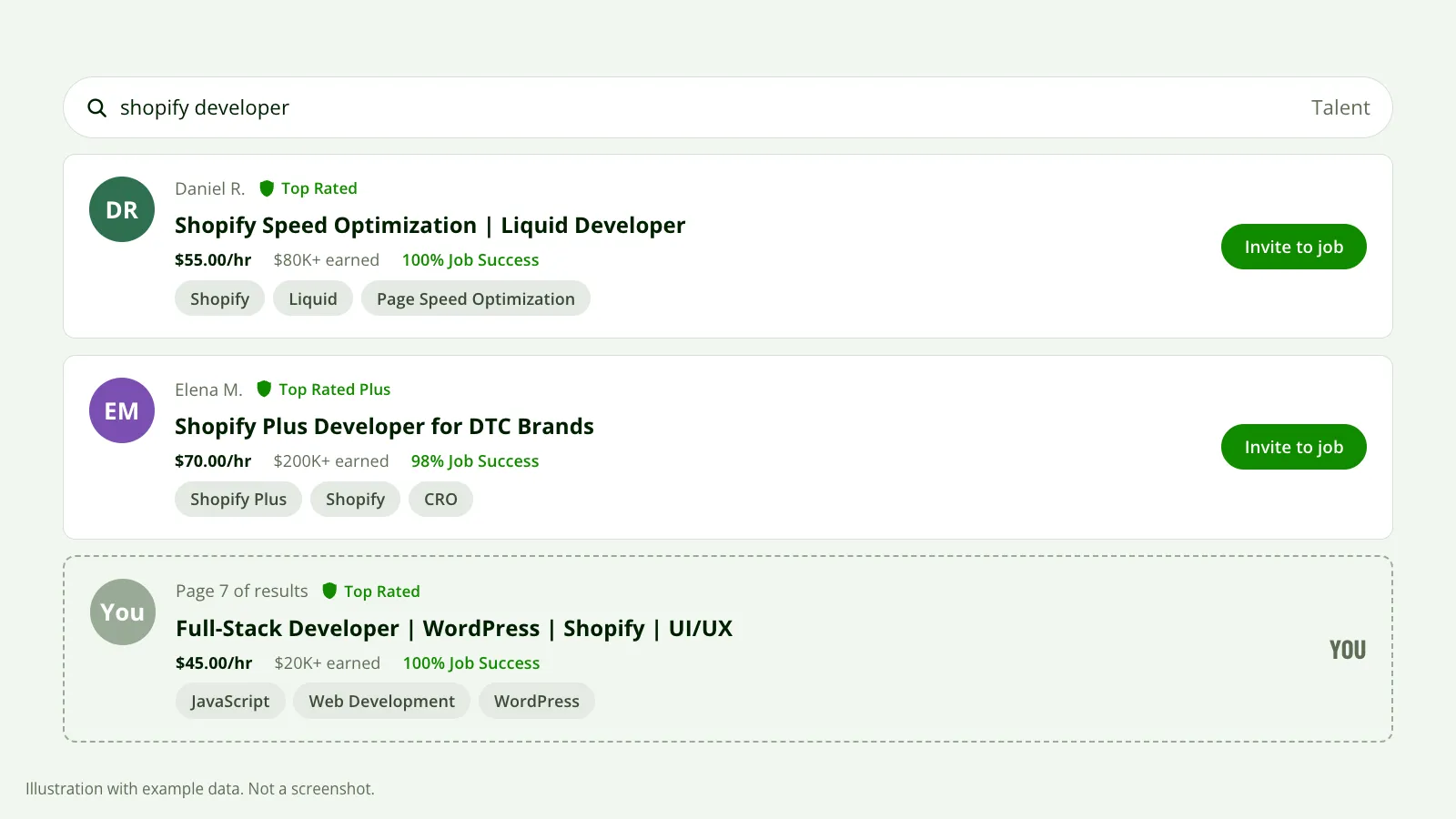 Run the search a client would and compare your card with the ones above it. Illustration with example data, not a screenshot.
Open the three profiles above you
Compare their rate, first two lines, recent jobs and portfolio with yours. Don’t copy them. Look for where yours breaks the promise your title made and theirs doesn’t.
Change one thing and wait
Fix the biggest mismatch first, usually the first two lines or the title. Leave it for about 30 days and read the same two numbers again. If you change five things at once you’ll never know which one mattered.
How many views is good
There’s no honest benchmark. Upwork doesn’t publish one, and the numbers freelancers post on forums range from a handful a week to more than a hundred. The percentages you’ll see quoted for how many views “should” turn into invites don’t come with a source.
Your category, your rate and how many clients are hiring that month all move the number. Compare this month with your last three. That tells you more than anyone else’s screenshot.
What won’t fix it
Dropping your rate is the reflex, and it’s a guess unless you’ve looked at what others in your niche charge. If the page doesn’t match what the client came for, a lower price doesn’t change their mind.
Boosting sends more people to the same page. If visitors already leave without inviting you, you’re paying for more of them to leave. The same goes for the availability badge.
Sending more proposals doesn’t help either. Proposals win you the jobs you apply to. They play no part in who gets invited.
None of this is a promise. Earnings, Job Success Score and how busy your category is all carry weight, and a tidy page doesn’t override them.
See your own numbers
You can do the comparison above by hand in an afternoon. Our free report does it on your real profile: a score, how you compare with your niche, and what’s costing you invites, in order.
You connect through Upwork’s official connection. It’s read-only, so we can’t change anything on your profile, and the report reaches your inbox in about 10 minutes.
